Skip to content

MangaTrans ReaderManga translation, read locally

OCR, translate, and clean-render manga pages on your own machine. Windows, DirectML-accelerated (NVIDIA / AMD / Intel) - plus a Chrome extension and userscript to translate manga on any website, including on iPhone/iPad Safari.

See it in action

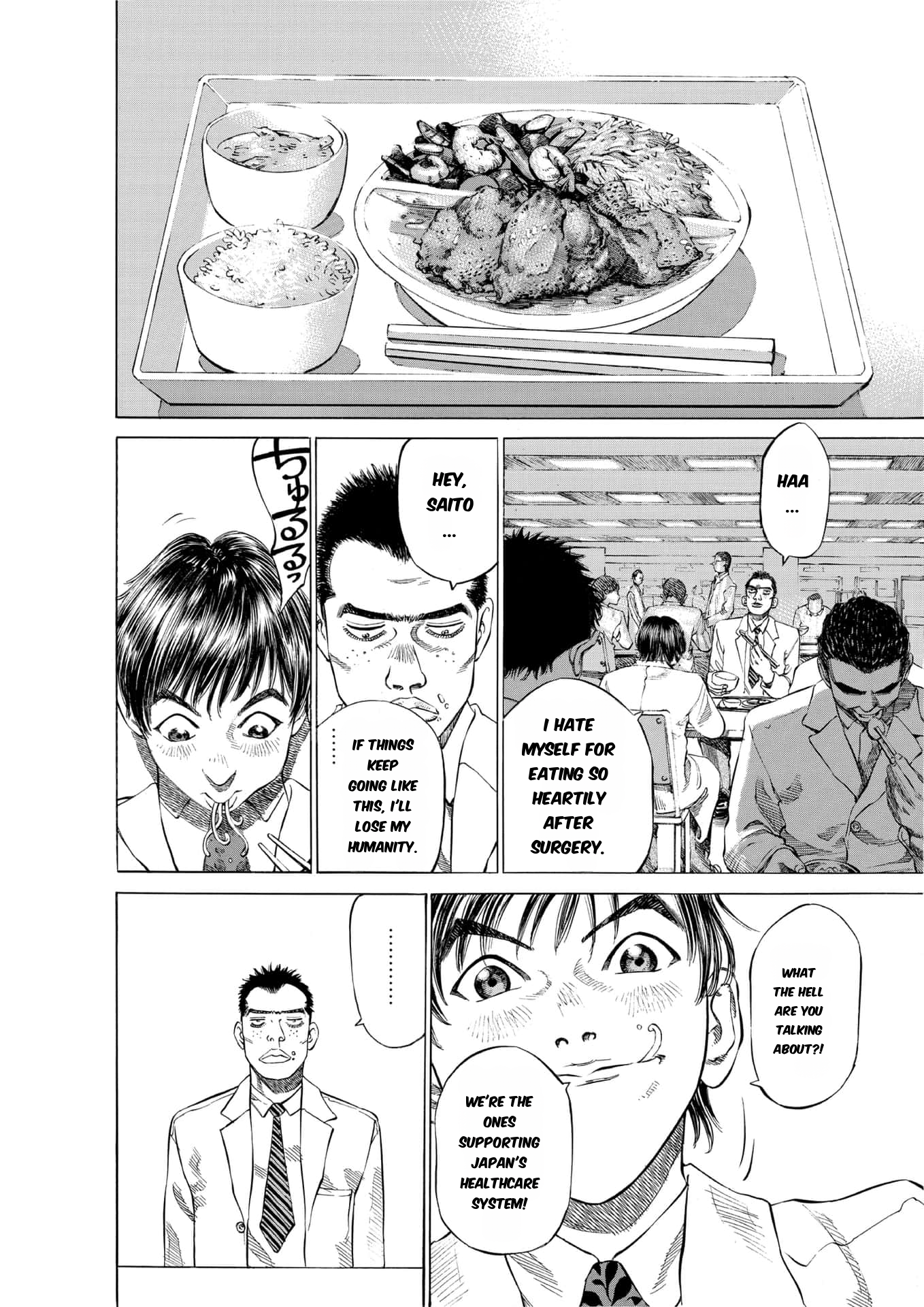
Real translation output

Translated manga page example 1Translated manga page example 2

Current release

  • Version: v1.2.0
  • Platform: Windows 10 (1903+) / Windows 11, x64
  • GPU support: DirectML (NVIDIA / AMD / Intel) with automatic CPU fallback

What's new in v1.2.0

  • Google Translate is now the default provider and requires no API key.
  • Target-language handling fixed. Google translations now honor Simplified Chinese, Traditional Chinese, English, Japanese, French, and German selections instead of silently returning the source text on an upstream error.
  • Faster Google translation. OCR lines are translated in one batch, the working web endpoint is used first, and network connections are reused.
  • Smaller uploads. The desktop app, Chrome extension, and userscript compress images over 500 KB to a maximum 1920 px edge at JPEG quality 60, only when the result is smaller.
  • Chrome extension and userscript updated to v1.2.0 with matching defaults and controls.

See Hardware Requirements for disk space, RAM, and VRAM details.

Local vs. remote server

MangaTrans Reader bundles its own backend and starts it automatically on first launch (local mode) - nothing to install separately. If you're running the backend on another machine on your network (or a server), point the reader at it instead (remote mode) via Settings → Server.

Released under the MIT License.